Welcome to Houston where the keynote hall is full and they’re filling the overflow rooms for the Brad Anderson-led keynote at TechEd North America 2014. I am here with Petri IT Knowledgebase, sitting in the press section at the front of the hall.
I live blogged as the event went on. Don’t expect much if anything in the way of Windows or System Center news. This will be a cloud year, where new features come out every 6 or so weeks, thanks to a cloud development cycle. I also do not expect Satya Nadella here.
Speaking of which; Nadella courted devs at a number of events in recent months, including Build. What will Microsoft do this week to convince influential IT pros that Azure won’t steal their jobs and that they are still important to Microsoft (they don’t feel that way lately)?
Right now a classical/electrical band called Flash Drive is playing pop muzak.
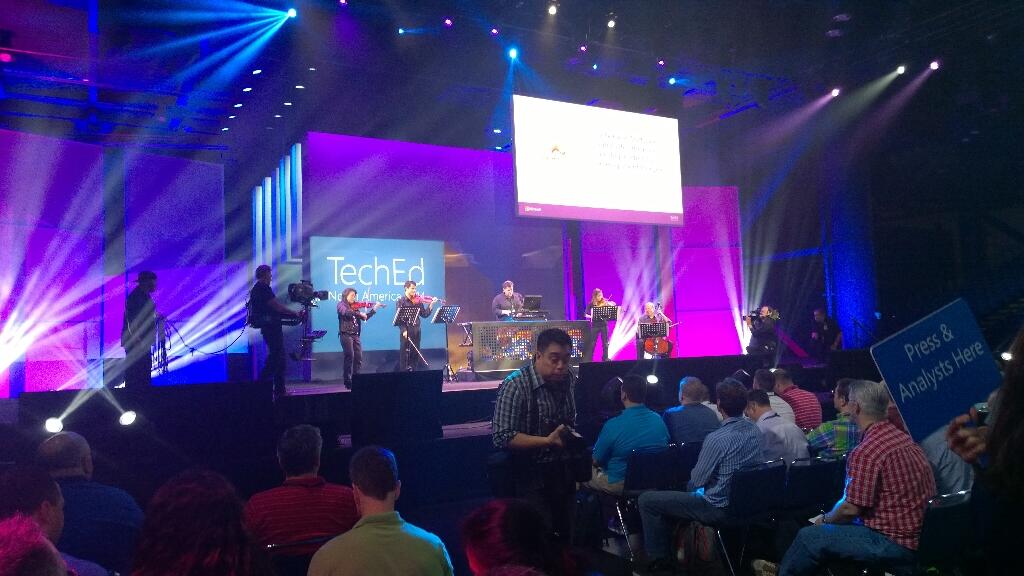
After a few songs they get a good reception. Now the 2 minute long teched countdown show kicks off with Joey Snow and Rick Claus.
Brad Anderson comes out sans-Aston Martin. He professes love for the new reign of Satya Nadella. As expected, Brad talks about devices and data of previously unimaginable growth. Cloud will be core to everything we do to manage devices (ever connected world) to derive insights from that data. There are no more devices than people on the planet.
On comes a video with some dude in black and white. It’s a new world, with low contrast film. It’s devices-devices-devices. No monkey boy dancing. Airy fairy stuff about storing data in trees. Yes; trees. I guess these guys are from MSFT Research.
Brad wants to talk about IT Pros. “IT pros are literally at the centre of cloud first and device first clouds”. “No longer think of public cloud as seperate; it is integral to your data center from this point forward”.
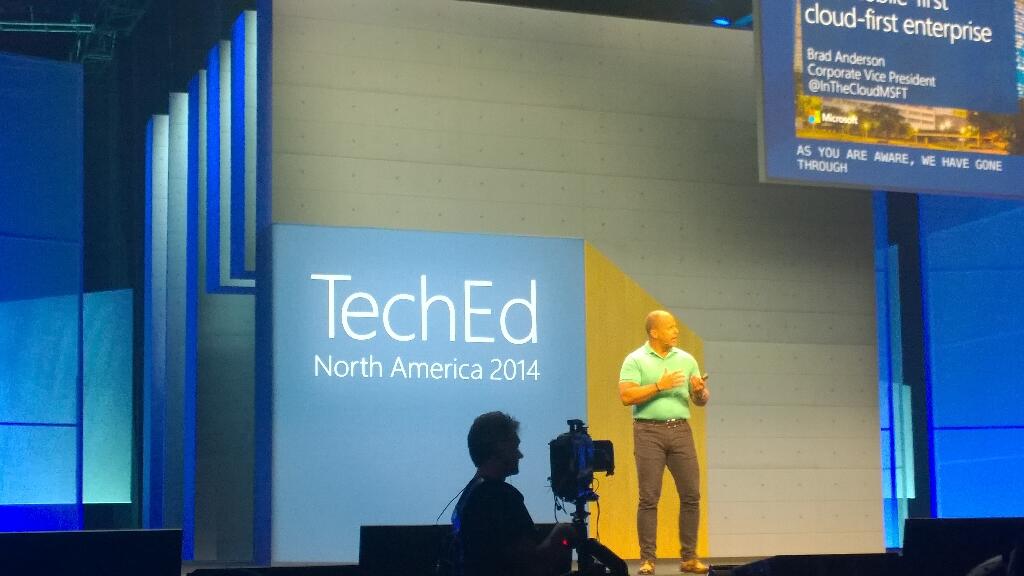
Three capabilities required when you consider a cloud. Choosing a cloud vendor wisely is critical for your future:
- Hyper-V scale: able to grow fast than you. Only 3 companies operate at this scale. This scale drives innovation in infrastructure.
- Enterprise capabilities and enterprise grade cloud. Financially backed SLA.
- Hybrid: Works with on premise, partner hosted cloud, and public cloud all integrated. Only MSFT does this.
Right now, only MSFT meets all three requirements.
How could we change our industry if we had unlimited computing power. Here comes Respawn’s Titanfall, an Azure-powered online-only game. It had over 100,000 VMs on day 1, powered up around the world, with clients connected to the closest data centre. No worry about location or performance. They have solid and even compute capacity. They scale up and down as required to meet customer demand. They power lots of game functionality on the server, which they could not do on a console. 150 employees company has hundreds of thousands of VMs around the world.
16 regions. A new core is deployed every 5 seconds. 2 billion authentications a day being done by Azure Active Directory. They take this functionality and trickle it down to hosting partners (WAP, Hyper-V, and System Center). Windows Server Hyper-V is the common foundation across private, hosted, and public cloud. No lock in. Flexible expansion, shrink, and mobility.
IaaS new features:
- Cloud app discovery Preview. This looks VERY cool.
- Compute intensive VMs – more RAM and more VMs, with RDMA Infiniband at 40 Gbps.
- Virtual networking enhancements
- ExpressRoute is GA for MPLS networking. 2 circuits for every connecting for fault tolerance. Note that Telecity is now a partner.
- Azure Files Preview: SMB 3.0 sharing of files for VMs.
Software-defined storage (Storage Spaces) is used by Azure.
On to SQL 2014. In memory gives 30x increase without re-writing application, just by adding RAM to existing h/w.
Azure Redis Cache is in preview. API AManagement Preview is in preview too.
Out comes Josh Twist to talk about API Management. Wellmark is an American insurance company and Azure customer. He talks about this feature without explaining what it is. I’m lost.
Back to Brad with more announcements:
- Anti-malware is being added to Azure. Microsoft Endpoint protection. Partnering with Symantec and Trend Micro.
- Encrypted storage for Office 365.
- Azure Site Recovery: Hyper-V Replica to Azure. review in June. This is BIG. Use HRM for orchestration.
Here comes Matt McSpirit to talk about the latter. Azure Site Recovery can be your secondary site if you don’t have one. Can manage replication between sites and to Azure. Centralized management of the replica VMs. VMs can be encrypted while at rest.
Site recovery makes networking easy. Can map networks between primary and secondary site. Map on-premise networks with Azure virtual networks.
A recovery plan orchestrates failover, test, planned, or unplanned. It will cleanly shut down VMs and replicate final changes in the event of a planned failover ( a flood is coming). You can inject manual tasks into the orchestration.
We move on to identity, another MSFT USP. SaaS is powered by identity. For example, Office 365. Discover how many they are using with Cloud App Discovery. Often some 250 unmanaged SaaS apps in a company. IT has no control. IT needs to take control and manage identity and security.
Office on the 3 mobile OSs will be brought under management. Protection of files: Azure Rights Management Services (ARMS). Part of the EMS bundle for EA customers. The protection travels with the files: only the right people can access the files, even with accidental leakage.
Azure RemoteApp is Mohoro. It’s a RDS session host system designed to run in Azure. You upload LOB apps into Azure and users access them from cross-platform devices. AWS desktop as a service is a square wheel compared to Azure RemoteApp.
Demo: User signs into SaaS app using AD ID via ID federation into Azure AD. 80% of employees admit using non-approved SaaS apps. Cloud App Discovery tool allows admins to discover what apps are being used and how. Now IT can bring these apps under company control. Azure AD has 1300 templates for SaaS single-sign on.
Azure Remote App preview is GA today – note it is not live yet in the Europe regions. Publish apps over the highly performing RemoteFX protocol to devices of different OSs – Windows, iOS, Mac OS X, and Android. A little nod to Citrix.
Now on to the dev audience. I sleep.
I wake up. Now Brad is talking about users. Sadly, people have lost interest in the dev content and are leaving.
“Work like a network”.
Humans can achieve if we focus. There is a flood of information that distracts. Need to move from information to action. Information is locked within boundaries inside organizations. BI stuff now. Yawn.
Demo on BI with old content from Barcelona promo video.
Back to Brad to talk about Office. Ugh, sounds like more BI.
Julia White to talk cloud productivity with Intune and Office 365. Basic demo of doc sharing in OneDrive for Business. Tell Me in Word Online is shown to help find how to do formatting. Can share from OneDrive for Business into Yammer. Yammer: IT managed social experience.
Back to Brad. More people leaving the hall. Not nearly as bad as Elop in 2009 (that was BAD) but a section of the audience has lost interest. This will be a talking point IMO.
Back to summarise. MSFT believes in cloud and getting us to embrace it.


